Payout transparency
Every rupee, visible from earned to paid
Your payout moves from submitted to reviewed, approved, scheduled, processing, and paid. If a payout is held, we show the reason and the next step.
How earnings are calculated
Every task shows its rate before you start (per clip batch for video tagging, per approved session for robotics recording). When a reviewer approves your submission, the exact amount appears in your ledger. Rates in this demo are placeholders and are finalised per client engagement.
Approval before payout
No payout is created for unreviewed work. Quality review approves the work, then finance approves the payout, then a second person approves the payout batch (maker-checker). This protects both you and the platform from errors and fraud.
KYC and PAN requirement
We collect identity and payout details only to verify eligibility, prevent fraud, and process approved payouts. PAN verification is required before your first payout for tax compliance. Sensitive details are masked for most internal users, and a minimum payout threshold (placeholder in this demo) applies; smaller balances roll forward automatically.
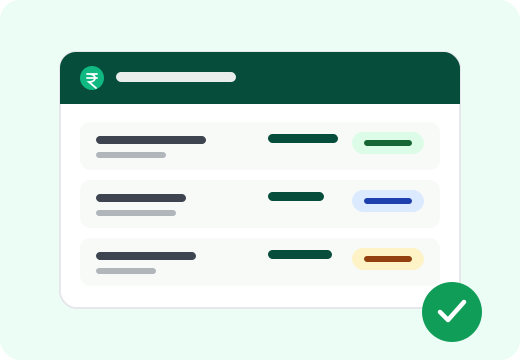
Payment status definitions
- Pending Review
- Your approved work has created an earning; finance has not yet reviewed the payout entry.
- Approved
- Finance has approved the entry; it will be included in the next payout batch.
- Scheduled
- The entry is inside a payout batch awaiting final sign-off.
- Processing
- The batch is with our payment partner; money is on the way.
- Paid
- The transfer is complete. The date and reference stay in your ledger permanently.
- Held
- The entry is paused with a stated reason (for example a KYC name mismatch) and a next step.
- Rejected
- The entry will not be paid, with the reason recorded; usually follows a reversed review decision.
Payout questions
Start with your first verified AI project.
Create your profile, complete secure verification, and begin training. Project availability may vary by city and demand.
Join the early access list